






Trackify
The problem
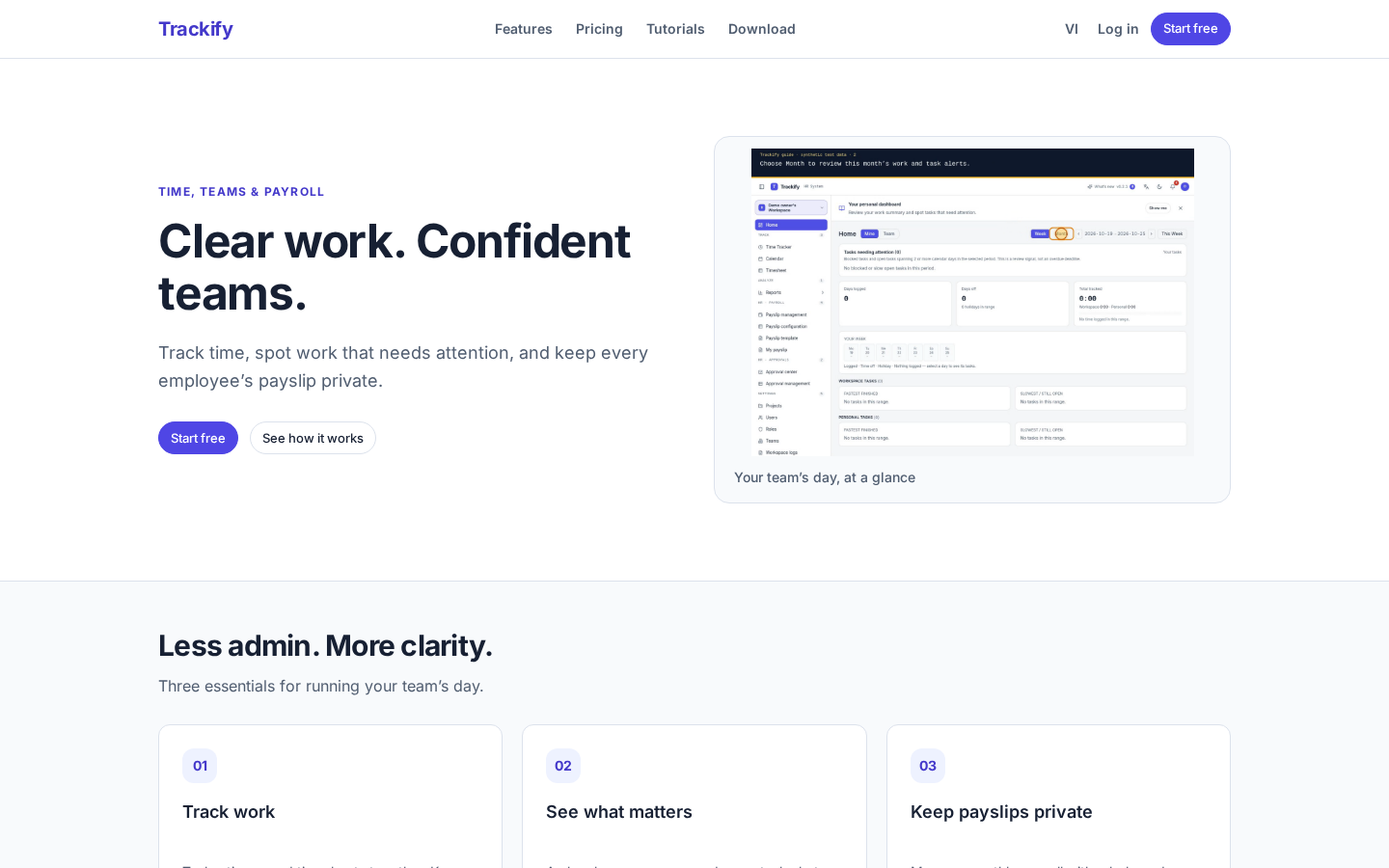
Estimates are guesses until you measure them. Teams lose track of where the hours go, deadlines slip without anyone noticing until it is too late, and payroll data ends up in shared spreadsheets. Per-seat trackers like Clockify got expensive as our team grew, and they couldn't follow our ETA and deadline process.
What we fix
- ✓Know where time goes — track time per task and project, by person and by team.
- ✓Catch slipping work early — see tasks that need attention before the deadline, not after.
- ✓Get better at estimating — compare what was planned with what really happened, week after week.
- ✓Keep payslips private — payroll stays visible only to the people who should see it.
How Trackify works
Create a workspace
Sign up free, create a workspace and invite your team by email or let them sign in with Google. Add your projects, clients and tags.
Track time your way
Start a timer on a task, add hours afterwards, or fill in the weekly timesheet and calendar. A desktop app with a background timer is coming soon.
Review and approve
Managers review submitted time and leave requests, and see the tasks that need attention before a deadline slips — not after.
Report, invoice and pay
Turn tracked hours into reports by project, client, person and period, then run monthly payroll with payslips each person sees privately.
What you can do with Trackify
Tasks and time
Timer and manual entry
Start and stop timers or log time afterwards, per task and per project.
Timesheets and calendar
A weekly timesheet and a calendar view of where each day actually went.
Desktop timer (coming soon)
A native desktop app with a background timer, tray, reminders and offline sync is in development.
Projects and reporting
Projects, clients and tags
Organise work by project and client, and keep an eye on budgets.
Reports
Hours by project, client, person and period, plus weekly, attendance and shared reports.
Scheduling
Coordinate who works on what across the team.
Team operations
Approvals and time off
Review submitted timesheets and manage leave requests in one place.
Invoices and expenses
Track invoices and expenses next to the hours behind them.
Payroll and private payslips
Compensation, payslip templates and monthly payroll runs — each person sees only their own payslip.
Teams, roles and access
Users, teams and roles keep each person's access appropriate to their job.
Who Trackify is for
Teams that bill by the hour or run on deadlines and want honest numbers. We built it to hold ourselves to our own estimates, replaced Clockify with it in our own company, and run every UniqTech project on it.
Agencies and software studios
You bill by the hour and need to show clients exactly where the time went.
Teams that run on deadlines
You want to compare estimates with real hours and catch slipping work early.
Small companies running payroll
You want payslips out of shared spreadsheets and visible only to the right people.
Trackify pricing
Every workspace starts free. Upgrade a workspace to Paid and pay only for the seats you need.
Free
- Up to 5 users, including the owner and pending invitations
- Time tracker, tasks, projects, clients and tags
- Web app (desktop coming soon)
Paid
- As many seats as your team needs
- Additional modules with role-based permissions
- Pay in VND by bank transfer or QR, or in USD by card
In Vietnam you buy a one-time pass through payOS that never renews automatically. Elsewhere, Paddle bills a USD subscription you can cancel any time.
See full pricing on TrackifyWhy we built Trackify
Per-seat trackers like Clockify got expensive as our team grew. Every new hire made the bill bigger for a tool that still could not follow the way we work.
And the way we work is ETA discipline: every task gets an estimate, the estimate gets measured, and a deadline that is slipping shows up before it is missed. Trackify was built to hold us to our own estimates. We replaced Clockify with it and run every UniqTech project on it.
How Trackify is built
Trackify's API is written in Rust and its interface in Svelte. Rust gives us a small, fast server that needs very little memory, so hosting stays cheap and the price per seat can stay low. Svelte compiles to lean JavaScript, so the app stays quick on any laptop or phone.
- Rust + Axum API
- SvelteKit (Svelte 5) web app
- MongoDB
- Tauri desktop app (in development)
Trackify questions, answered
What is Trackify?
Trackify is a time tracking and team operations app made by UniqTech. Timers, timesheets, projects, reports, approvals, time off, invoices, expenses and payroll live in one workspace.
Is Trackify free?
Yes. A workspace is free forever for up to 5 users, including the owner and pending invitations. No card is needed.
How much does Trackify cost?
Paid is priced per seat: 39.000 ₫ per seat for 30 days or 390.000 ₫ for 365 days in Vietnam, or US$3.49 per seat per month (US$2.99 when billed yearly) everywhere else.
Is Trackify a Clockify alternative?
Yes. We built it to replace Clockify in our own company: the same core time tracking, plus approvals, payroll and deadline tracking, at a lower price per seat.
Is there a desktop app?
Not yet. A desktop timer with a tray, reminders and offline sync is in development. Until it is published, use the web app in any browser. Free workspaces will be able to use the desktop app too.
Who can see payslips?
Each person sees only their own payslip. Payroll data is visible only to the roles you allow.
How do I learn Trackify?
The Trackify tutorials walk through real workflows step by step, recorded with demo data.
Try Trackify today
Start free in your browser — no card needed. Bring your team in when you are ready.